01
Who is Dotty for?
For children practicing reading, writing or drawing, with support from families, teachers or professionals.
Reading, writing and drawing at their pace
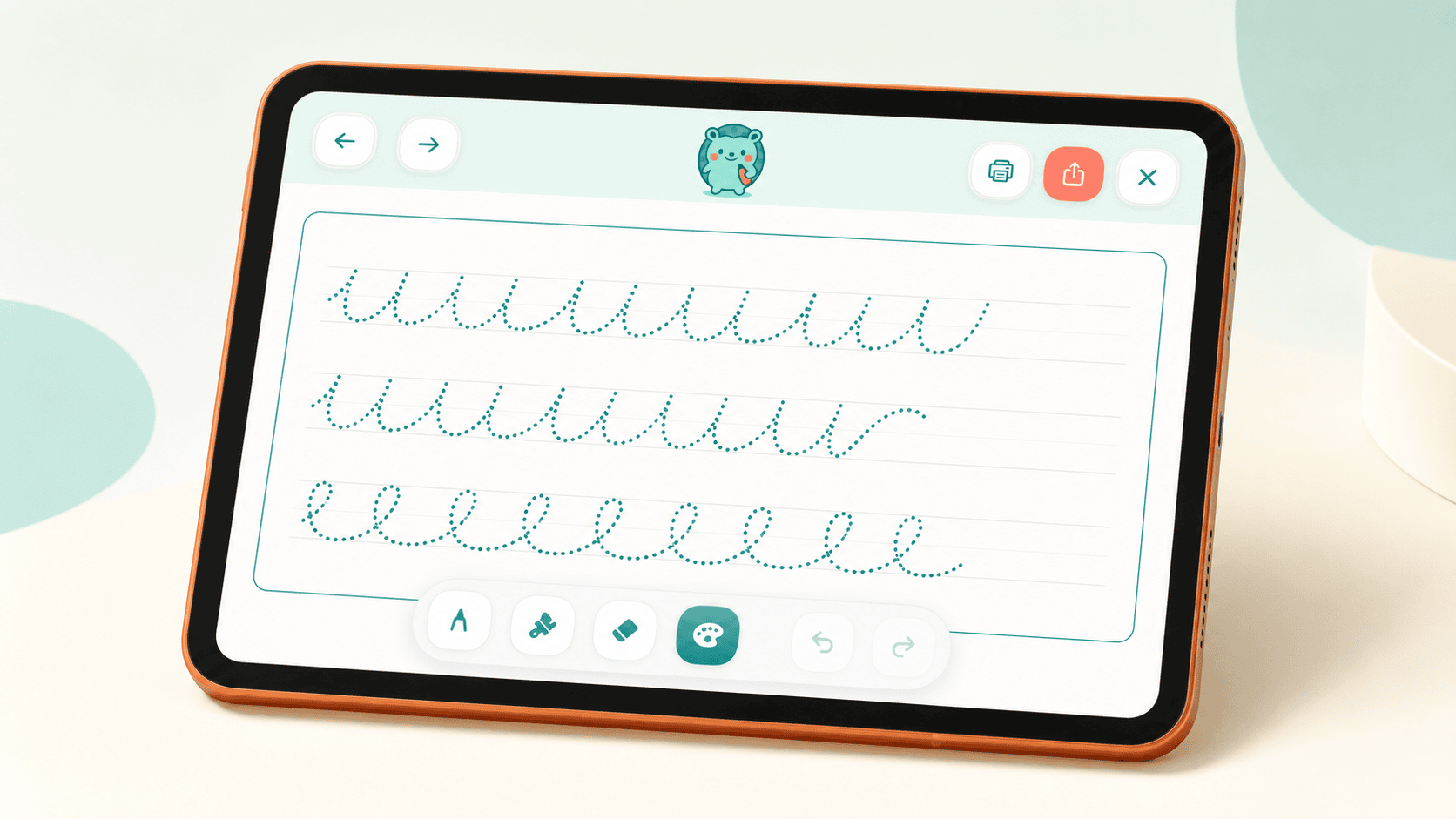
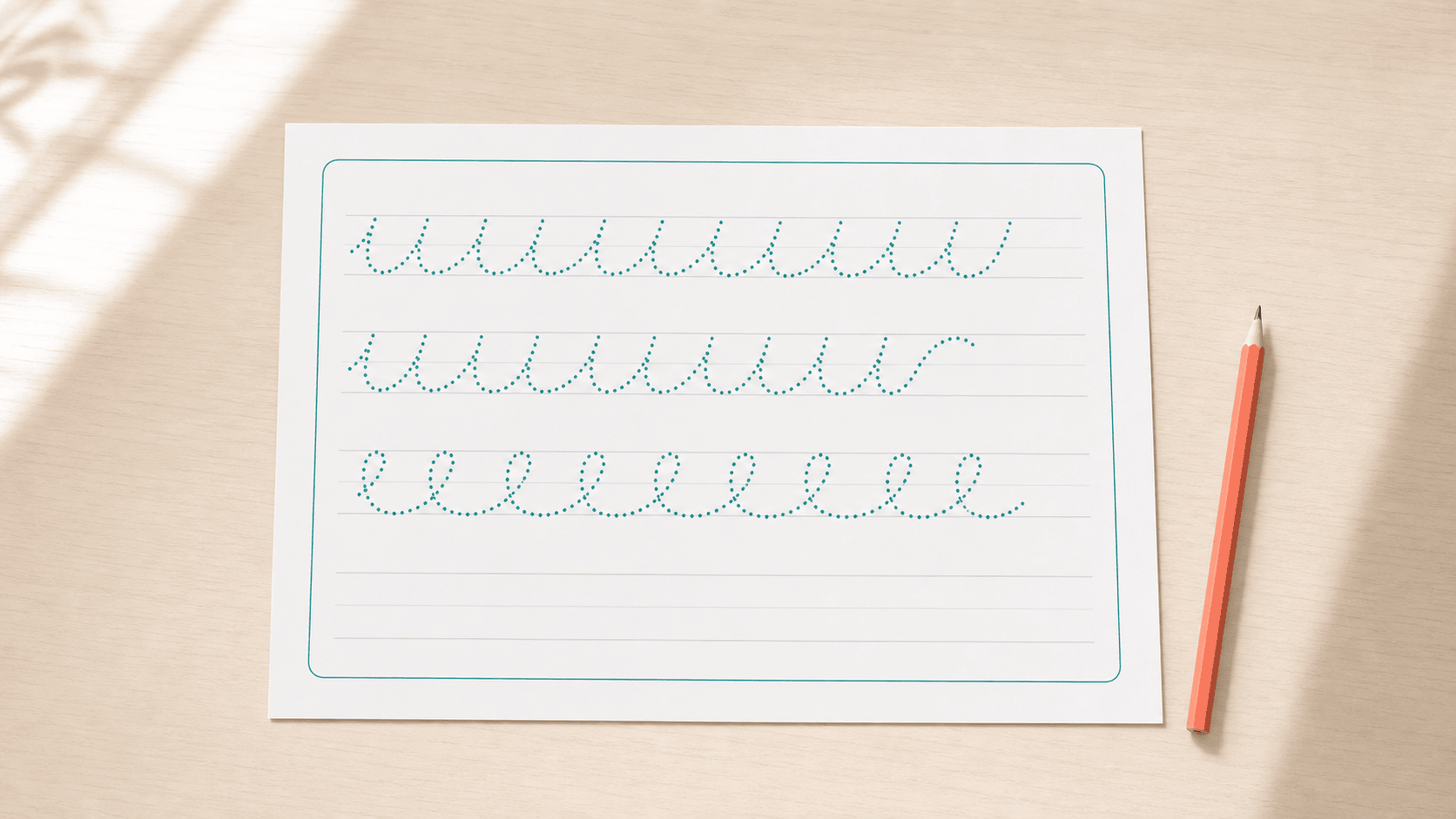
Dotty brings together handwriting, reading and drawing activities adapted to every learner’s pace. Practice directly on a tablet with a compatible digital stylus, or create personalized worksheets to print.
For children aged 4 and up, with support from families, teachers or professionals.
Quick answers
Before diving in, here are brief answers to the most common questions.
For children practicing reading, writing or drawing, with support from families, teachers or professionals.
No. You can practice directly on a tablet or download the activities as PDFs to use on paper.
Yes. Adjust fonts, size, spacing, colors, background and guide lines for each activity.
WHY DOTTY

Every child learns differently and at their own pace. Dotty offers a simple space to practice reading, writing and drawing without pressure, with activities that can be completed directly on a tablet or printed for use on paper.
Families and teachers can adjust each activity so the content feels clearer, more comfortable and better suited to the learner’s level.
Adjust text size and spacing, colors, fonts and guide lines. Dotty helps create a more comfortable experience for both digital practice and paper-based learning.
WHAT IS DOTTY
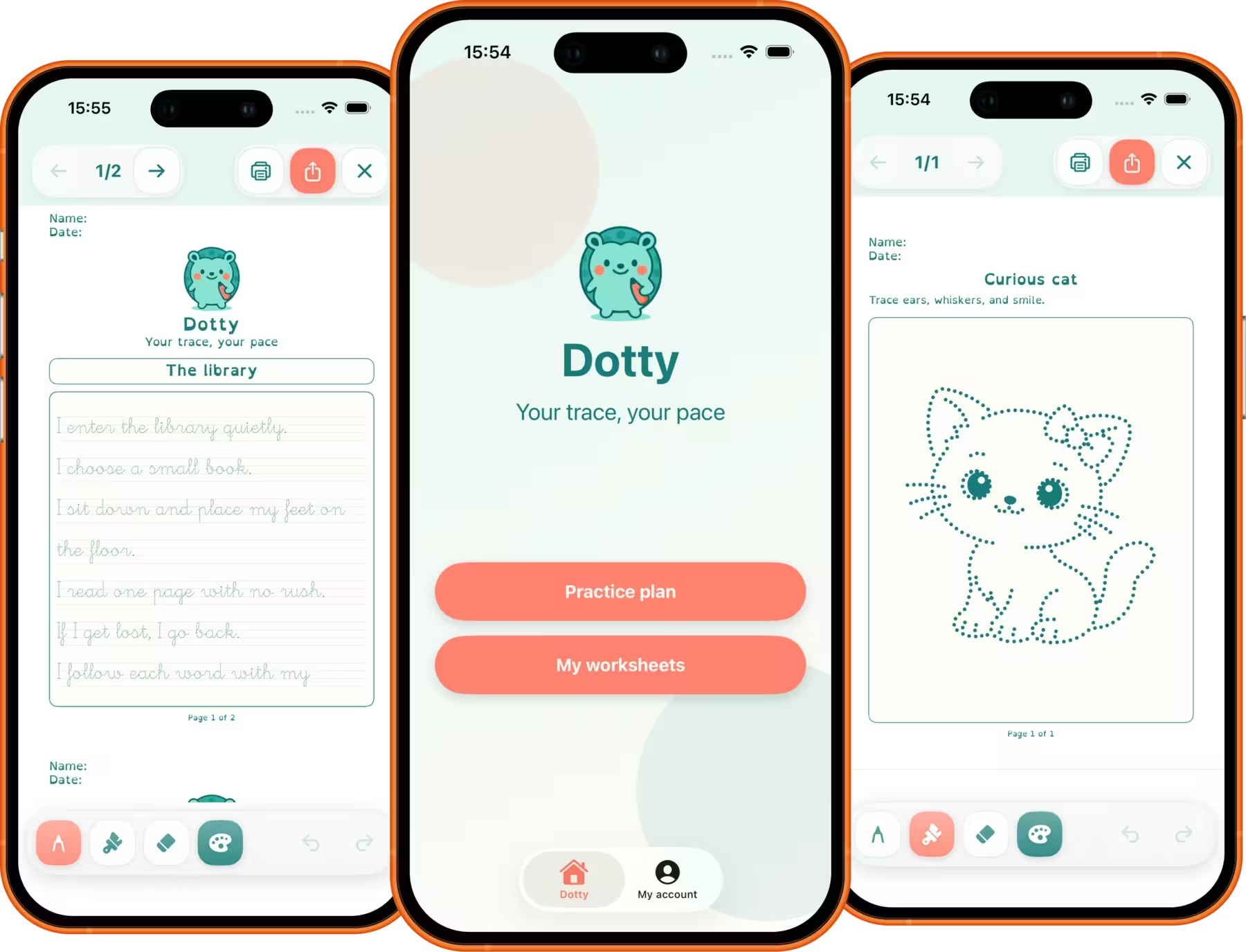
Dotty brings handwriting, reading and drawing activities together in one place. Choose an activity, follow a guided learning journey or create personalized exercises from your own text.
Practice directly on a tablet with a digital stylus, save your progress and continue on another device. When you prefer screen-free learning, download the activities as PDFs and print them.
Features
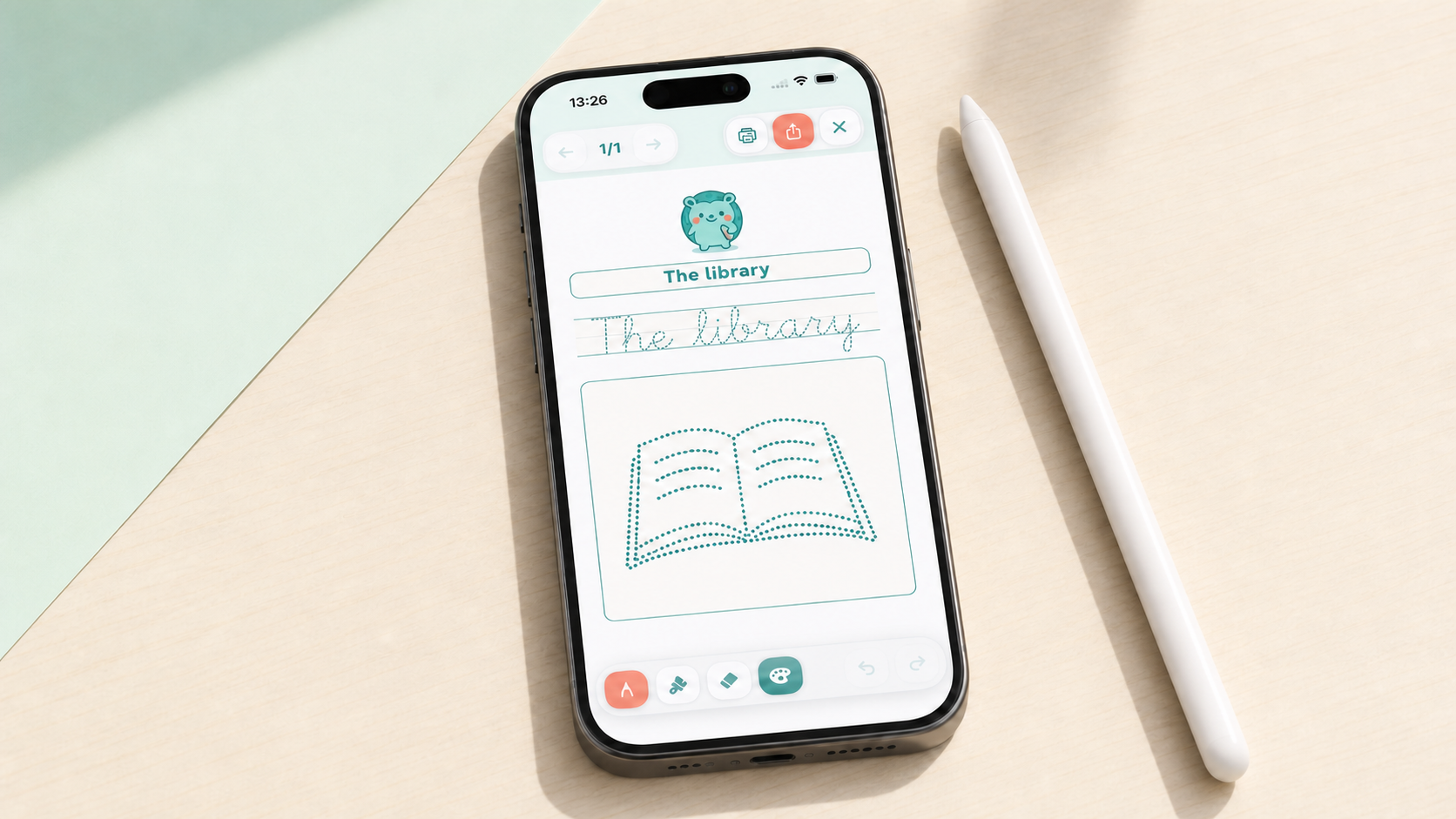
Practice print or cursive handwriting with guide lines and dotted tracing that help learners follow each letter shape.
Choose between standard fonts and OpenDyslexic, and adjust the text for greater clarity and readability.
Complete activities with a compatible digital stylus, without needing to print.
Turn any text into a reading or writing activity adapted to the learner’s level and interests.
Download worksheets as PDFs and use them at home, in class or during a support session.
Create an account and keep your activities and progress synchronized across devices.
Write, trace and draw directly with a compatible digital stylus. Save progress and continue whenever you like.
Download worksheets as PDFs and print them for screen-free practice at home or in the classroom.
Practice, review and pick up where you left off from your phone. Keep activities and progress with you.
You choose the format and device. Dotty adapts to the moment and the learner.
How it works
Explore writing, reading and drawing activities, follow the recommended journey or create one from scratch.
Adjust fonts, guides, size, spacing, colors and background.
Complete the activity on a tablet with a digital stylus or download it as a PDF to print.
Sign in to synchronize your progress and continue on another device.
Testimonials
Every activity can become a small step forward: writing with more confidence, reading more comfortably or enjoying learning again.
"My son avoided writing. With Dotty we make sheets about topics he loves and he’s regained confidence."
"I teach mixed levels. Dotty lets me prepare adapted sheets without wasting time."
"My niece felt overwhelmed by long texts. Now we work with sheets made to fit her."
Blog
See how families and teachers use Dotty and read the latest product news.
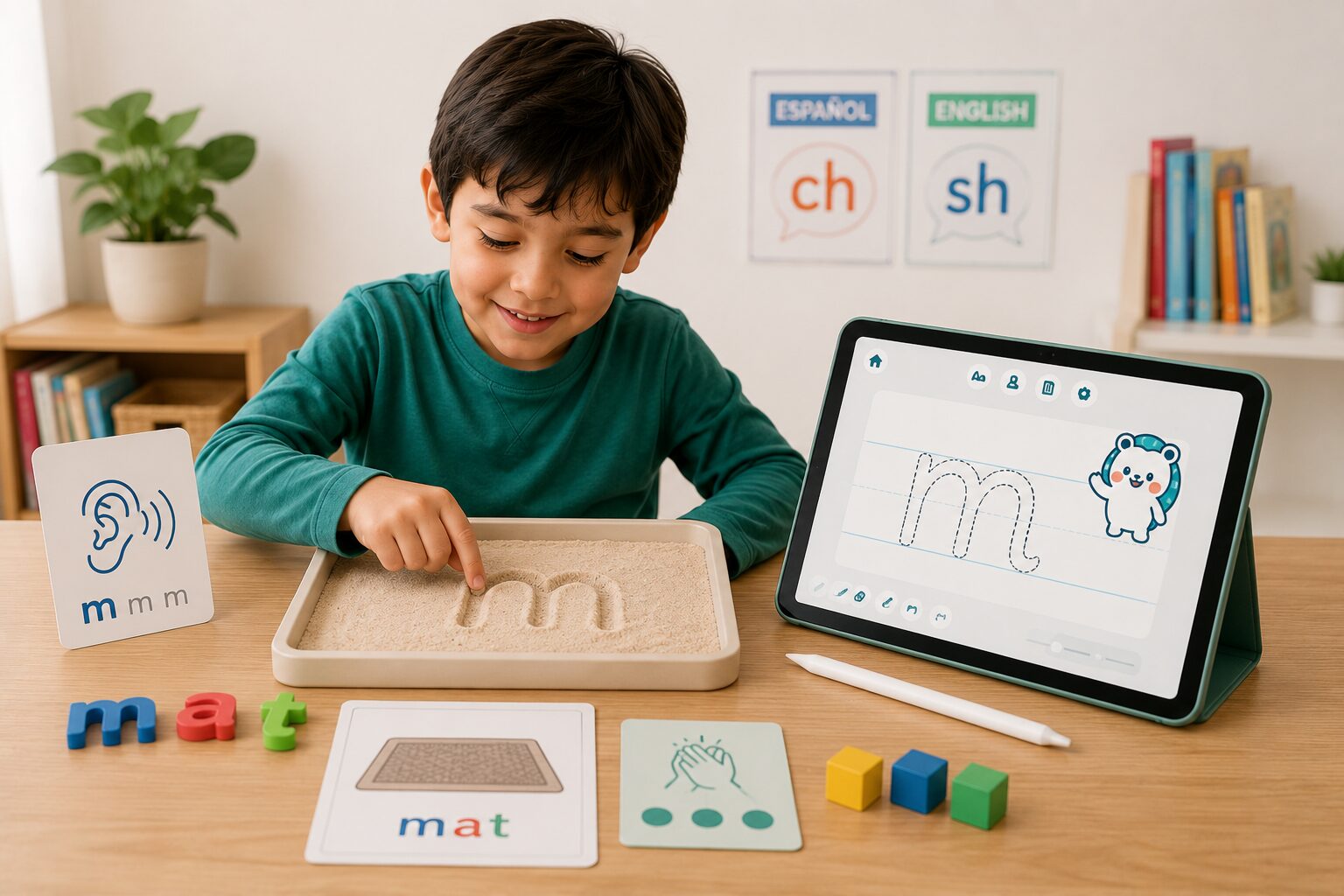
Multisensory Strategies to Develop Phonological Awareness in Bilingual Classrooms Phonological awareness is the ability to recognize and manipulate the sound units of language, in…
Read more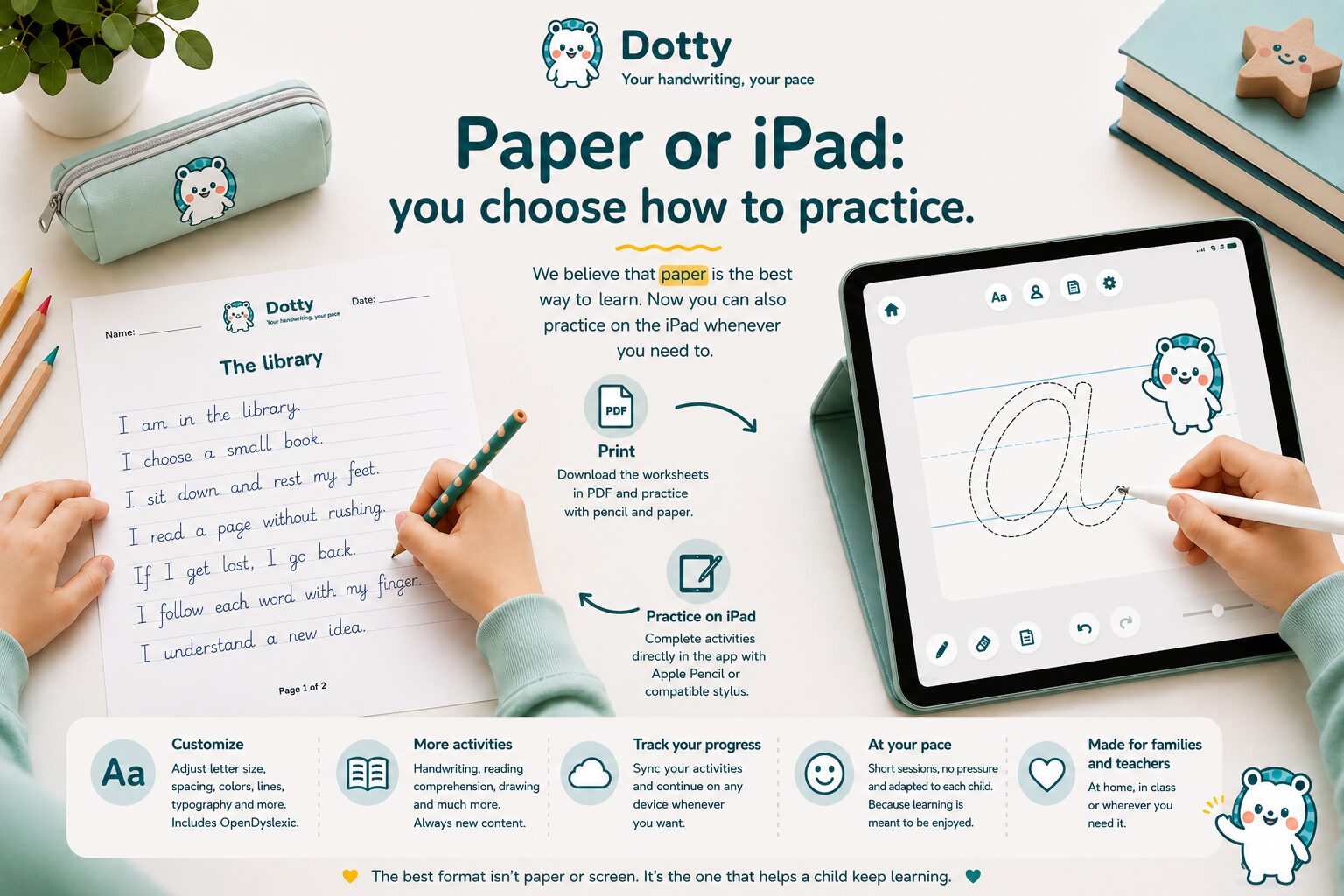
When we first launched Dotty, we had one clear idea. We still believe that paper is one of the best ways for children to practice reading and handwriting. Writing with a pencil, d…
Read more
Creating truly personalized literacy materials takes time: adjusting font size, simplifying texts, spacing letters, printing… then doing it all again when a child’s needs change.…
Read moreSafety and peace of mind
Dotty combines prepared activities, visual personalization and synchronized progress so families and teachers can adapt learning without making it complicated.
FAQ
For children who are learning or practicing reading and writing, and for the families, teachers and professionals who support them. Activities can be adjusted to different levels, paces and visual preferences.
Yes. Activities can be completed on a tablet with a compatible digital stylus.
Yes. You can download activities as PDFs and print them for paper-based practice at home, in class or during support sessions.
Yes. Write or paste the text you want, choose the activity type and personalize its presentation before practicing or printing it.
Yes. You will find a growing collection of writing, reading and drawing activities, plus a guided journey to progress step by step.
Yes. When you create a Dotty account, you can save your progress and keep it synchronized across devices.
Dotty includes OpenDyslexic and options to adjust size, spacing, colors and background. These tools let each person adapt text presentation to their preferences, although Dotty does not replace professional assessment or support.
You can download Dotty and start for free with a few included worksheets, a selection of premium worksheets to try and one custom worksheet of your own. If you want to keep using the full plan, create unlimited custom worksheets, export and print without limits, and import complete shared worksheets, you can unlock Dotty Pro with a one-time in-app purchase. There are no subscriptions or recurring payments.
Download Dotty
Discover reading, writing and drawing activities to practice on a tablet or paper, always at the learner’s own pace.